Seeing “Need admin approval”?
Your IT administrator needs to approve Scape before you can connect Outlook.
1. Ask for approval
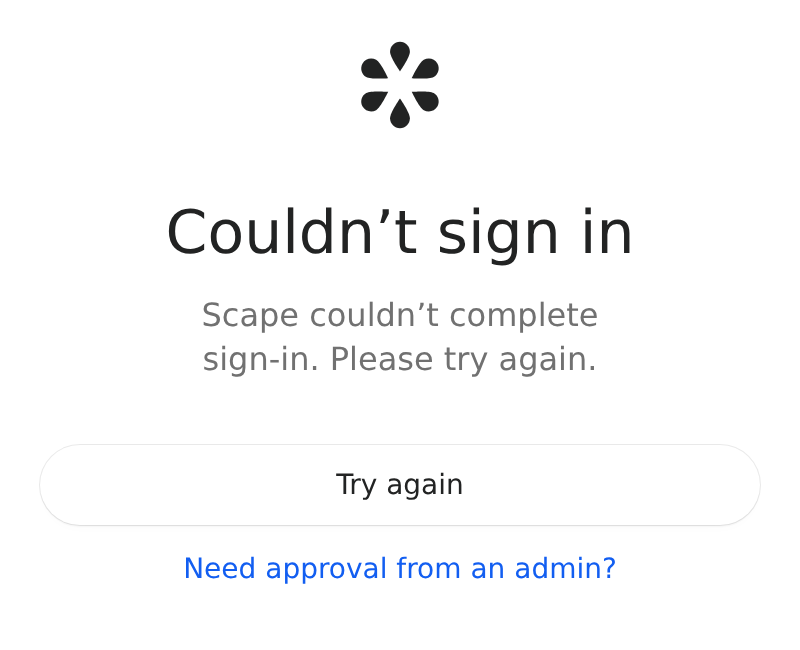
In Scape, select “Need approval from an admin?” after sign-in or connection fails.

2. Email your IT team
Subject: Please approve Scape in Microsoft 365
Hi, Could you approve Scape for my work Outlook account? Microsoft shows "Need admin approval" when I connect. Permissions and approval steps: https://scape.app/admin-setup/microsoft App: Scape Publisher: Scape AB (verified publisher) Application (client) ID: 4c4ab835-6b14-4ac3-942d-d8f0b5e664e6 Thank you!
3. Connect Outlook again
Once IT approves Scape, return to the app and connect your account.
Seeing “Approval required” in Microsoft instead? Enter a reason and select Request approval. Microsoft emails you the decision.
Admin guide