GitHub integration
Look up repositories, code changes, issues, and pull requests from Scape.
 Hilma BengtssonUpdated
How to connect GitHub to Scape
- 1
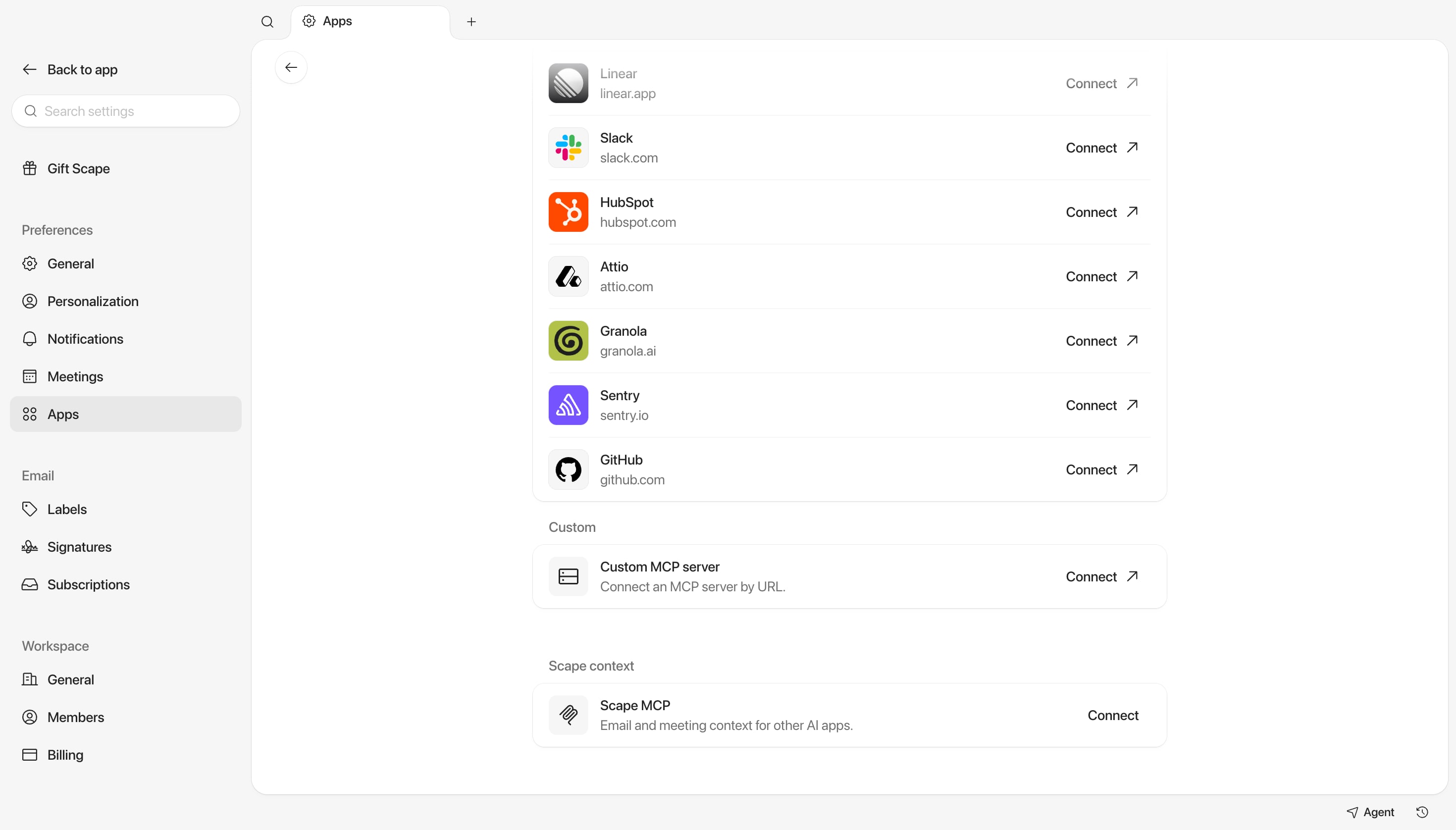
Open Apps in Settings
In Scape, go to Settings → Apps → Add an app and select GitHub.
- 2
Sign in and authorize access
If browser authorization opens, sign in and grant access to the repositories you need. If Scape asks for OAuth client details instead, use the callback URL shown in Scape when configuring your GitHub OAuth app. Follow your organization’s policy for repository access.
- 3
Check the connection
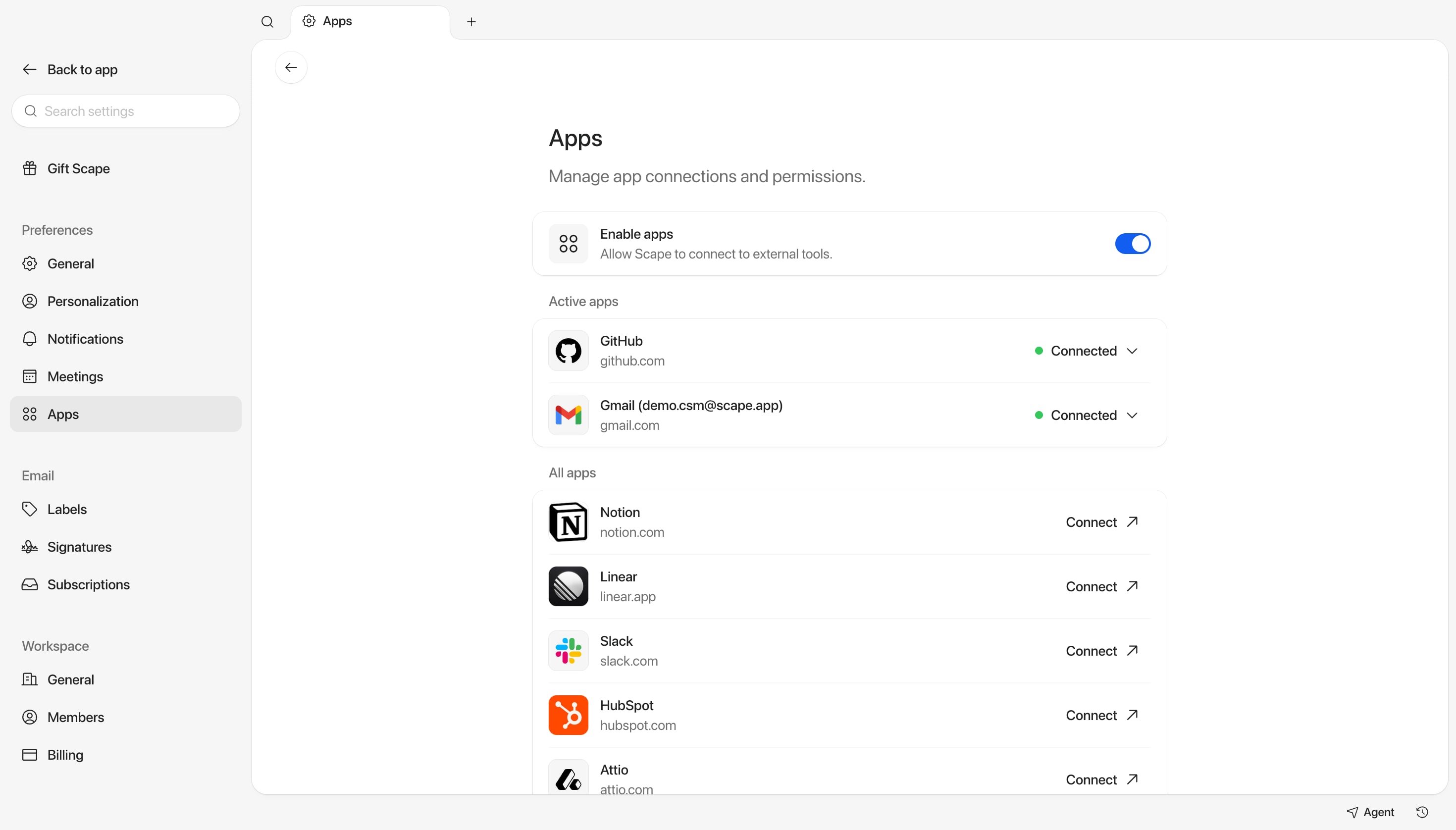
Return to Apps and confirm GitHub is connected. Ask Scape to search a repository or issue you know.
Find the issue or pull request behind an update
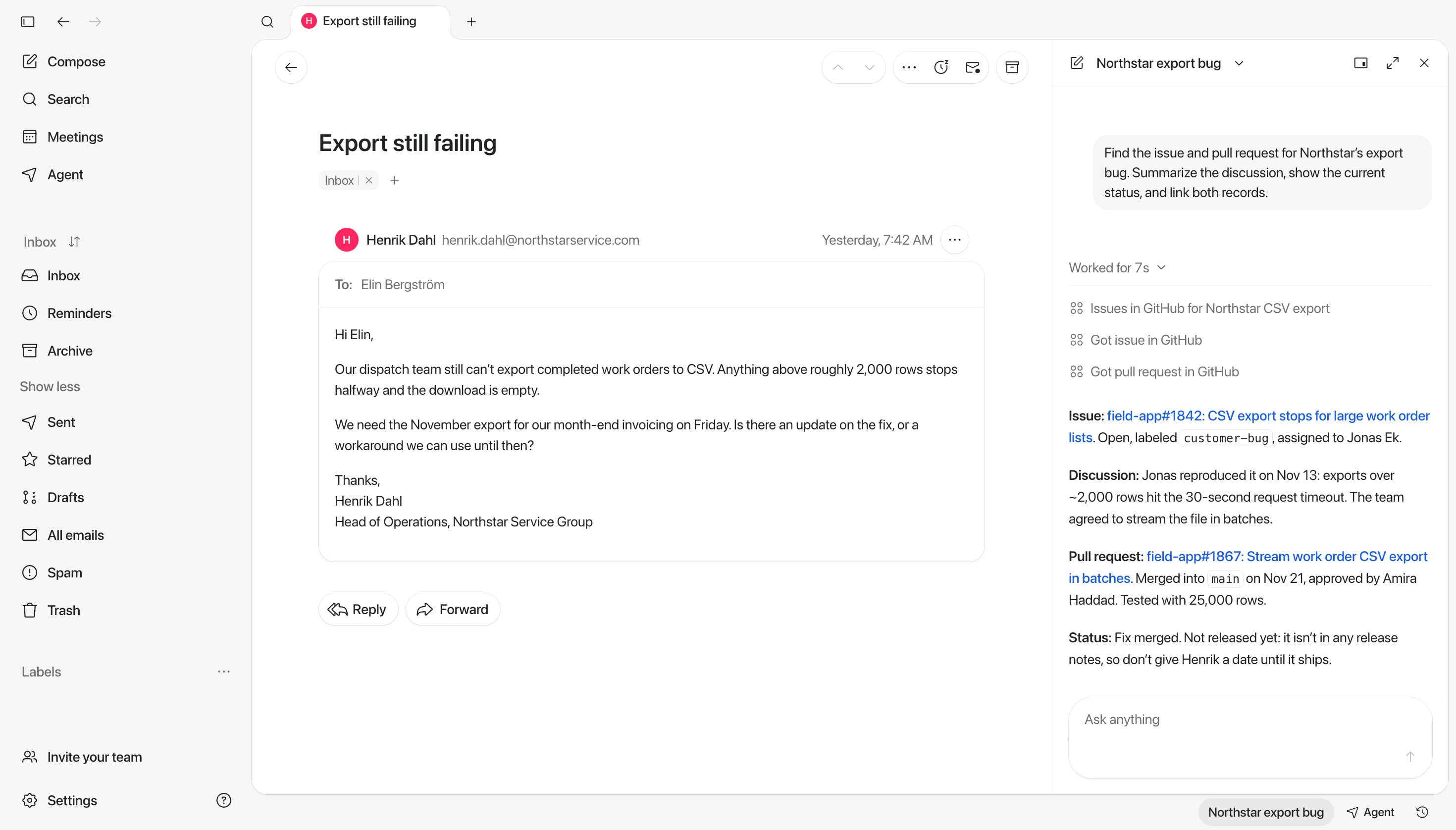
Scape can look up repositories, files, commits, issues, and pull requests within the access granted to the GitHub connection. Use it to find the discussion behind a fix, read a pull request, or check whether a change was merged.
Ask Scape
Find the issue and pull request for Northstar’s export bug. Summarize the discussion, show the current status, and link both records.
Check the repository and issue number when several results look similar. Private content is available only when the connected account has permission to access it. Source links let you verify the technical details before carrying them into an email.
Prepare a weekly changelog from user-facing changes
A list of commits is not yet a changelog. Ask Scape to identify changes that affect the customer experience and explain what a user would notice. Internal refactors and tests may be important engineering work without needing a separate customer announcement.
Ask Scape
Find user-facing changes merged this week. Skip tests and internal refactors. Explain what users will notice and link each pull request. Separate merged changes from changes confirmed live or still behind a feature flag.
Merged does not mean released. Ask Scape to compare the pull requests with release notes or rollout announcements in connected sources before describing a feature as available. If release evidence is missing, keep the item out of the published changelog or label it for internal review.
Check launch copy against the implementation
Use GitHub context to check whether an announcement promises more than the implementation supports. A pull request may cover one provider, one platform, or a rollout to selected workspaces rather than every customer.
Ask Scape
Compare this launch draft with the linked pull requests and release notes. Flag claims that go beyond what shipped, including provider support and rollout availability.
Review the flagged claims with the product owner. Scape can bring the evidence together; a release claim still needs confirmation from the team responsible for shipping it.
Frequent questions
Answers to common questions. For anything else, the Scape team reads every email.
Contact ScapeWhat can Scape find in GitHub?
Scape can search supported repositories and related information, such as issues, pull requests, commits, and files available to the connected account. See customer-facing team workflows.
Can Scape create or update GitHub issues?
Scape can help you find GitHub context, including issues and pull requests. Check the action available in Scape before relying on it to make a change.
Can Scape read private repositories?
Scape can access repositories included in the authorization and available to the connected GitHub account.