Free
Free forever. No credit card required.
$0/ month
Included:
- No credit card needed
- Unlimited inboxes
- Meeting Recordings
- No model training
Compare Scape and Granola for meeting notes and follow-ups.
 Hilma BengtssonUpdated
Compare Granola and Scape for meeting notes, searchable context, and the work that happens after a call.
Granola and Scape both help you get more from meetings, but they start from different workflows. Granola focuses on taking and organizing AI meeting notes. Scape brings meeting context into an email app that can also organize your inbox, find past conversations, and prepare replies and follow-ups.
The right choice depends on whether you mainly need a meeting notes app or want email and meeting context together.
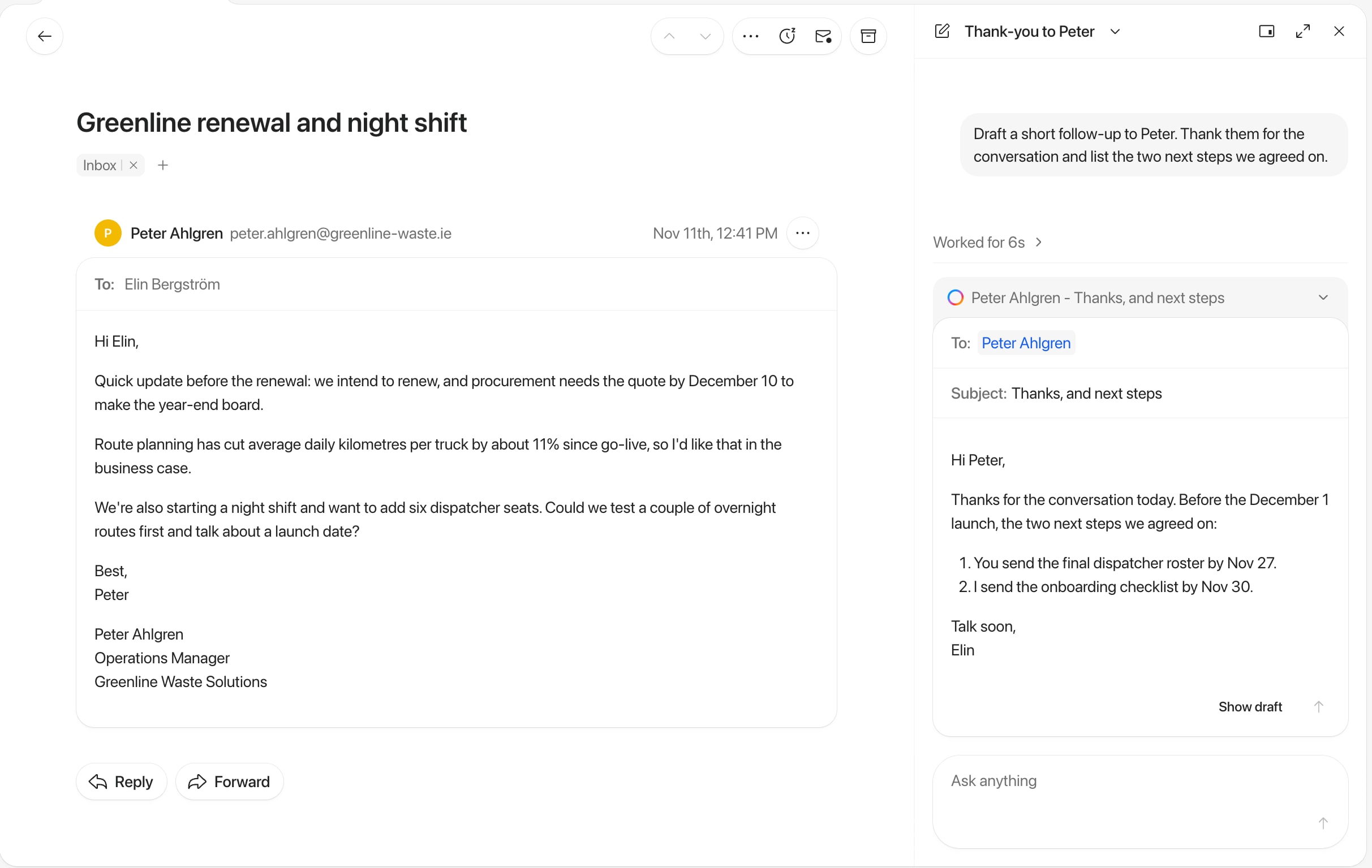
Scape can record supported meetings locally without adding a bot to the call, then prepare a transcript and summary. It can use that meeting context alongside connected email, calendar events, attachments, and supported apps to help you find a decision or draft a follow-up.
Granola captures meeting audio on your device and turns it into notes and summaries. Its AI chat helps you search across meeting notes, with integrations available on paid plans.
| Scape | Granola | |
|---|---|---|
| Main focus | Email, meetings, and connected work context | AI meeting notes and meeting knowledge |
| Meeting capture | Local recording for supported meetings; no bot joins | Captures device audio; no meeting bot |
| Connects work inboxes, organizes email, drafts replies | Not a full email client | |
| Follow-up | Can draft follow-up email from meeting context | Notes and AI chat can support follow-up work |
| Pricing | Free $0/month, Plus $20/month, Max $100/month | Basic free; Business $14/user/month; Enterprise $35/user/month |
Prices and features can change. Check each provider’s pricing page before choosing a plan.
Granola is built around meeting notes. You can organize notes, use templates, and ask AI questions about past meetings. The Basic plan includes limited history; paid plans provide expanded meeting history and integrations.
Scape treats meeting notes as part of a broader work context. After a call, you can ask Scape to summarize what was decided, list action items, or use the transcript while drafting a follow-up email. You can also ask Scape to find the email that led to the meeting or bring in details from a connected app.
If you regularly need to turn a conversation into a customer email, Scape connects the meeting and inbox steps. Ask it to draft a recap using the transcript and the related email thread, then review and send the draft yourself.
Granola can help you understand what happened in a meeting, but you’ll use your email app to write and send the follow-up. That division may work well if you already have a preferred email workflow.
Scape offers Free at $0 per month, Plus at $20 per month, and Max at $100 per month. Granola offers a free Basic plan, Business at $14 per user per month, and Enterprise at $35 per user per month. Compare the limits and features you’ll actually use, including history, integrations, AI usage, and team controls.
Free forever. No credit card required.
Included:
AI and automations for everyday work.
Included:
For intensive AI work.
Included:
Granola may fit if meeting notes are your main need and you want a focused tool for capturing, organizing, and searching conversations.
Scape may fit if you want to connect meeting notes with work email, search across connected context, and draft follow-ups in the same workflow.
Compare Scape and Fyxer for work email and meetings.
Read moreStart with what was agreed, then check the draft before it goes out.
Read moreTurn meeting notes into clear owners, next steps, and dates.
Read moreAnswers to common questions. For anything else, the Scape team reads every email.
Contact ScapeGranola describes its meeting capture as device audio rather than a bot joining the call. Scape also records supported meetings locally.
Granola can help you work with meeting notes, while Scape can prepare a follow-up email draft using meeting and email context.
Granola offers a free Basic plan with limited meeting history. Its paid plans add more history and features.
Scape connects to work email and can organize messages and draft replies. Granola focuses on meeting notes rather than acting as an email client.