Slack integration
Search Slack context and prepare messages or updates from the Scape Agent.
 Hilma BengtssonUpdated
How to connect Slack to Scape
- 1
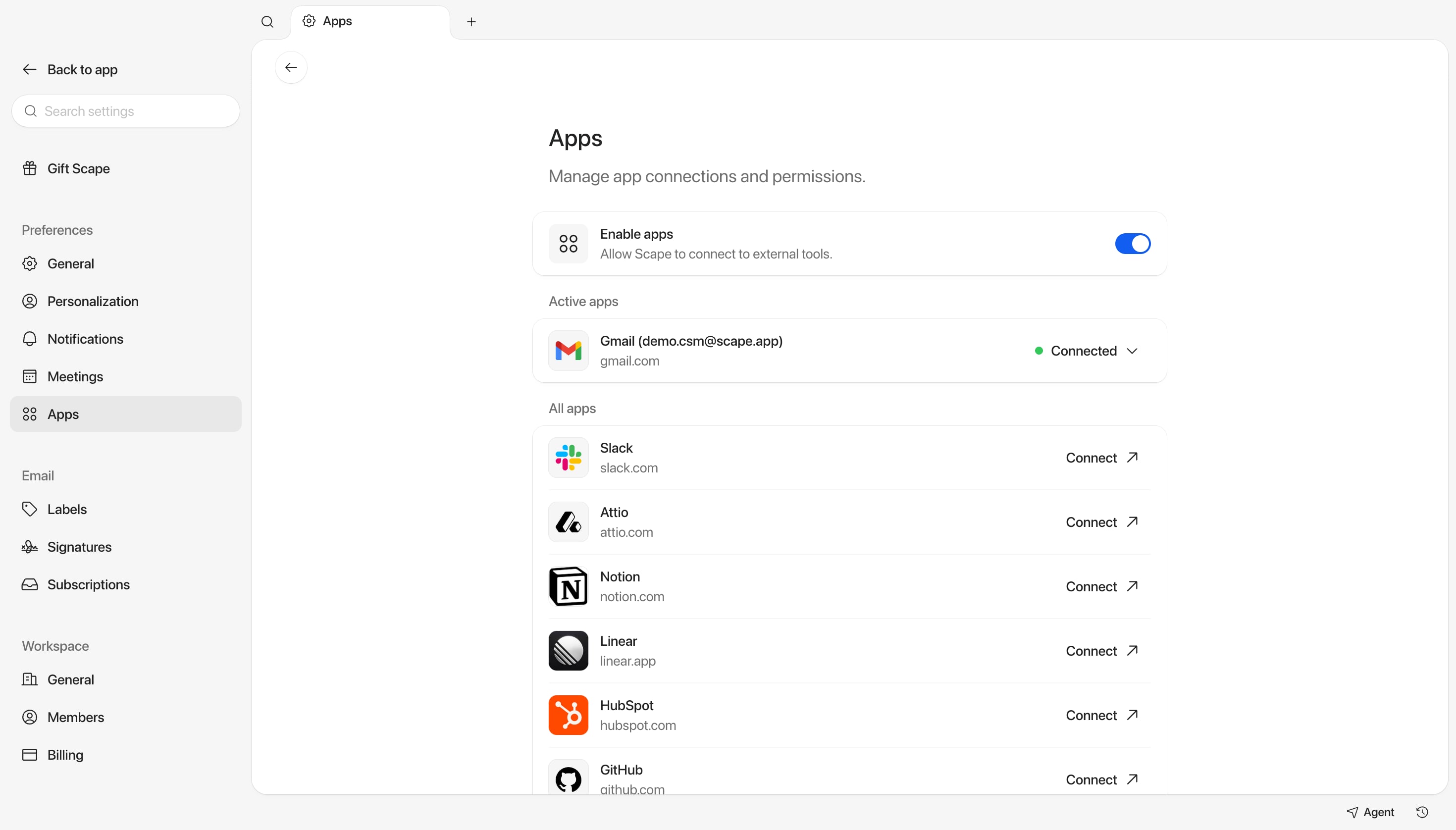
Open Apps in Settings
In Scape, go to Settings → Apps → Add an app, select Slack, and authorize the workspace in your browser.
- 2
Authorize your workspace
Sign in to the Slack workspace you use for work and review the requested permissions. Scape can access only the content available under the authorized connection and your account’s permissions.
- 3
Check the connection
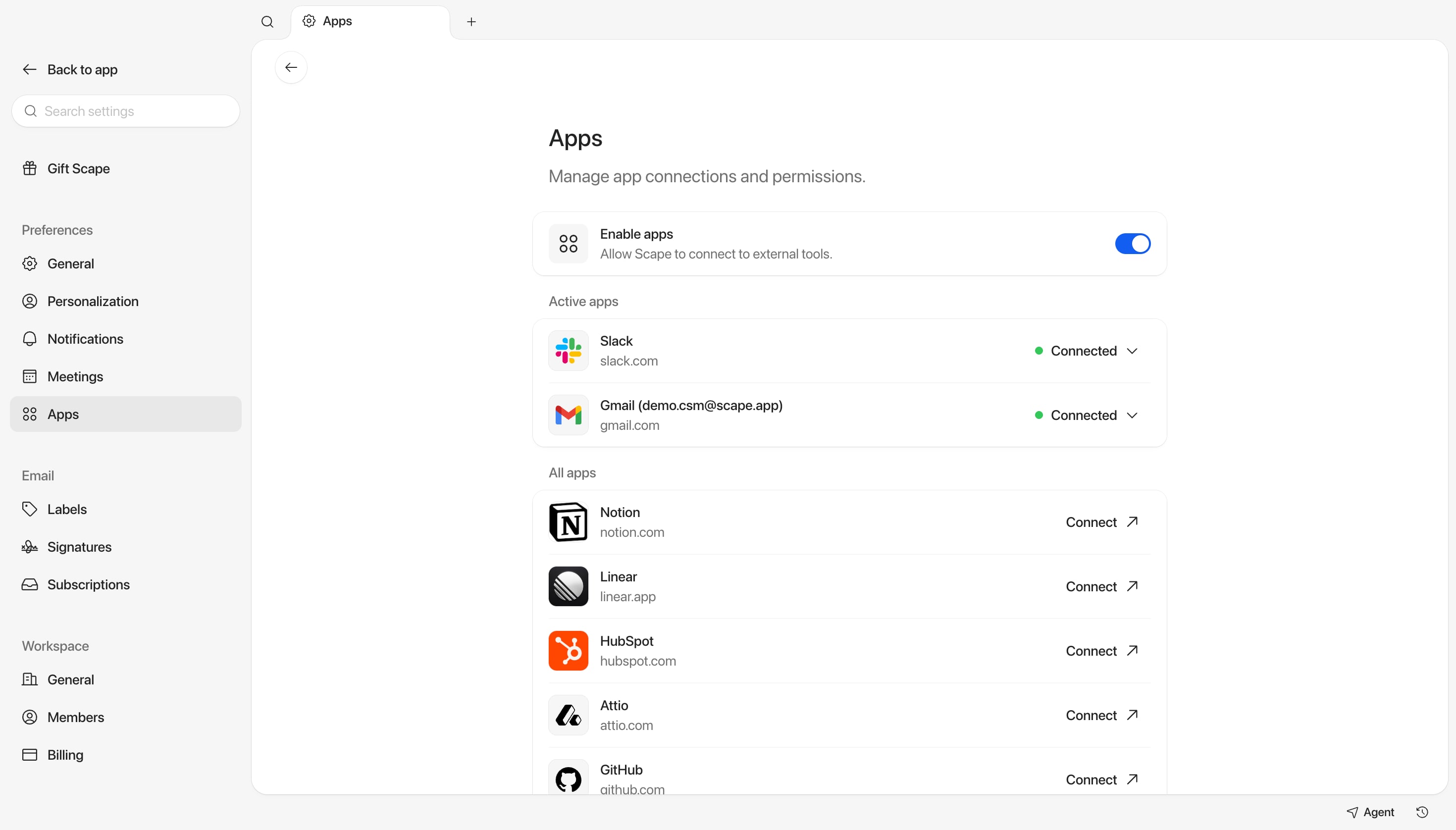
Return to Settings → Apps and confirm Slack shows as connected. Ask Scape to find a channel or message to test it.
Find the Slack discussion behind a decision
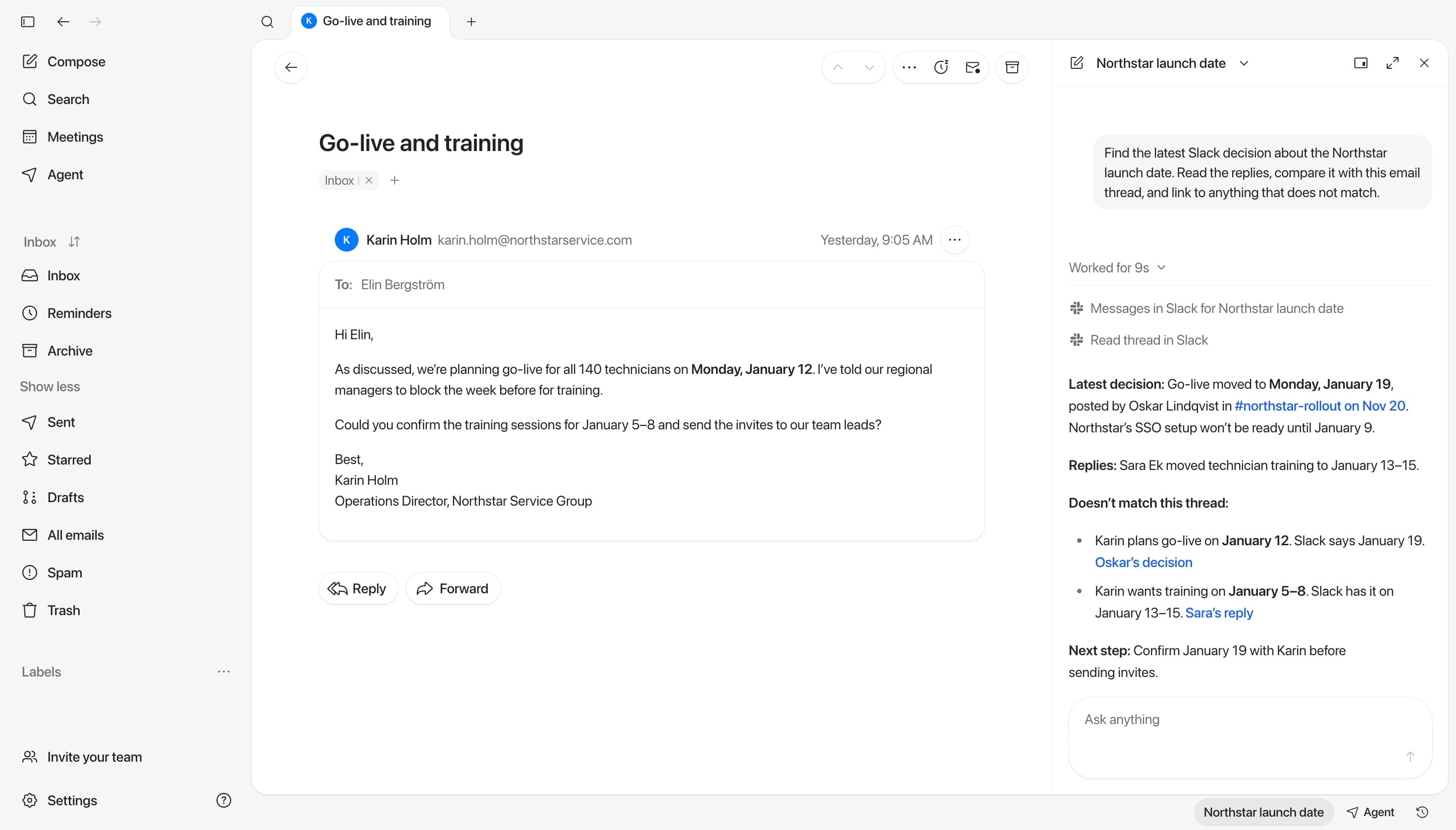
A customer email may ask about a date the team discussed in Slack. Scape can find the relevant messages and read the thread replies, then use that context alongside email and meeting notes. Ask for source links so you can check whether the decision changed later.
Ask Scape
Find the latest Slack decision about the Northstar launch date. Read the replies, compare it with this email thread, and link to anything that does not match.
Scape can search messages, files, channels, and teammates, and read Slack Canvases and Lists, including individual rows. Private channels and direct messages are available only where the connected Slack account has access. Include a project or channel name when a topic could refer to more than one discussion.
Turn customer emails into a Slack update
Ask Scape to bring several email replies together into a team update instead of copying each answer into Slack yourself. Specify the audience, the channel, and what the team needs to decide.
Ask Scape
Use the latest customer replies about the launch to draft a Slack update: who has confirmed, what is still open, and what the team needs to answer. Save it as a draft; do not post it.
Saving a Slack draft does not post the message. Scape can also propose a channel message, a direct message, a thread reply, or a scheduled message. Review the destination, wording, and timing before approving the action. Posting and scheduling are not supported in external Slack Connect channels.
Keep a brief and a tracker in the right format
Use a Canvas when the result is a brief, recap, or set of decisions. Use a List when you need rows of work with fields you can update. Scape can prepare a Canvas or List using context from conversations you can access.
Ask Scape
Collect the launch feedback from email and Slack. Separate copy changes from design changes, link to the original messages, and prepare a Slack Canvas for review.
Ask Scape
Create a Slack List for the launch deliverables with one row per item and columns for owner, due date, status, and live link. Show me the proposed tracker first.
Scape can create or edit Canvases, create Lists and update their rows, add reactions, and create channels or group conversations where your Slack permissions allow it. Scape presents changes for approval. Check the location and who can access the result before saving customer information into a shared workspace.
Get an update that answers a specific question
“Update me on the project” can produce a broad recap. A more useful request names the period and the changes you care about: decisions, blockers, owners, or work waiting on you.
Ask Scape
What changed in the Northstar launch channel since Monday? List decisions, blockers, and requests that need my answer, with links to the original messages.
Use the result to prepare for a call or decide which emails need a reply. See AI meeting preparation and customer handoffs for workflows that combine Slack with the inbox.
Related articles
Prepare for a meeting with AI
Find the context you need before your next customer call.
Read moreFind old emails and past decisions with AI
Find the conversation behind a detail you remember only partly.
Read moreTeam email management for customer-facing teams
Keep customer context close while your team shares the work of replying.
Read more
Frequent questions
Answers to common questions. For anything else, the Scape team reads every email.
Contact ScapeCan Scape search Slack messages?
Yes, after you connect a workspace. Search results depend on the authorized account’s access. Scape for Slack lists what the assistant can read, send and change there.
Does Scape post Slack messages automatically?
No. Scape shows supported changes for your approval before carrying them out. Saving a draft does not post it.
Can Scape use Slack and email together?
Yes. Ask Scape to look across both connected services for context relevant to your request.